M Series · For machining centers
IROCUBEM7
The most compact IROCUBE, with a ceiling-mounted robot.
- Payload
- 7 kg
- Reach
- 911 mm
- Robot
- FANUC LR Mate 200iD/7L
- Footprint
- 1,540 × 1,750 mm
1 / 10
Overview
M7 at a glance
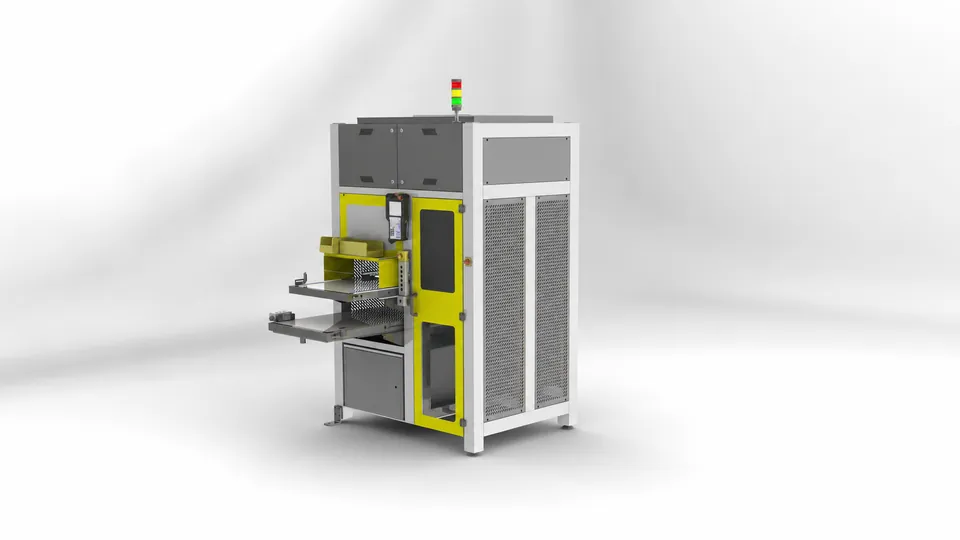
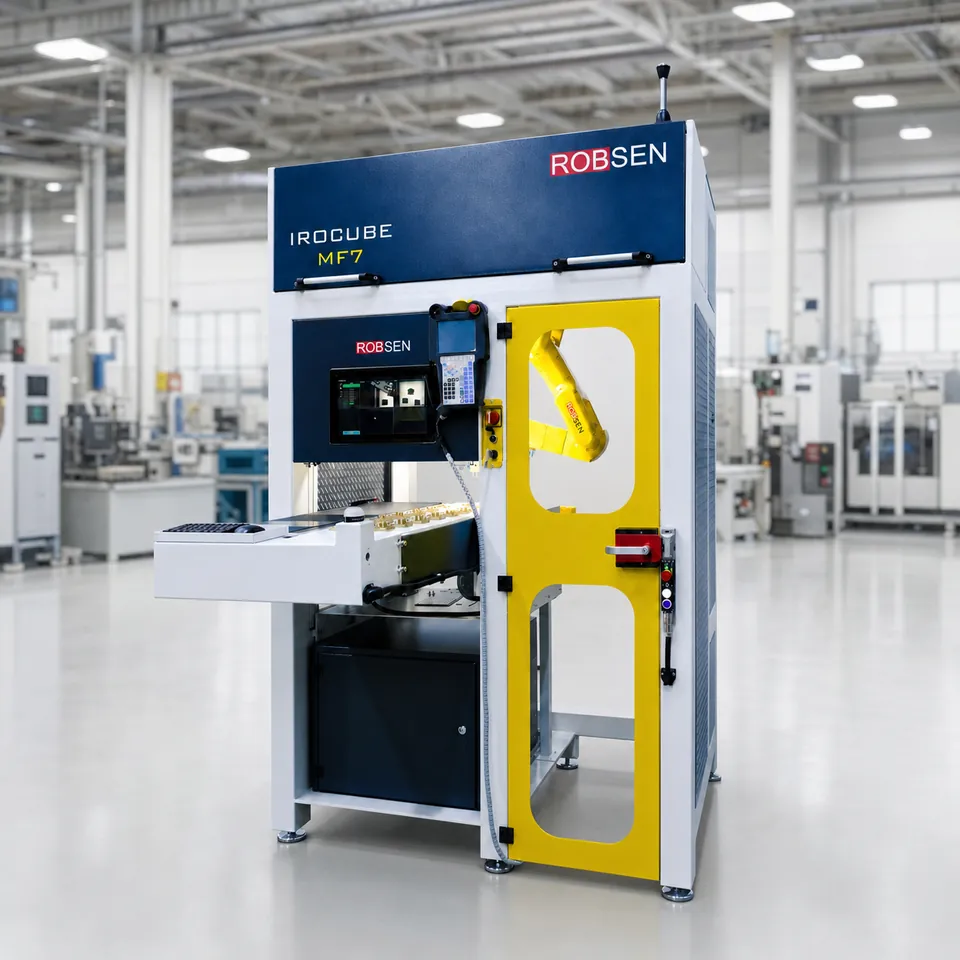
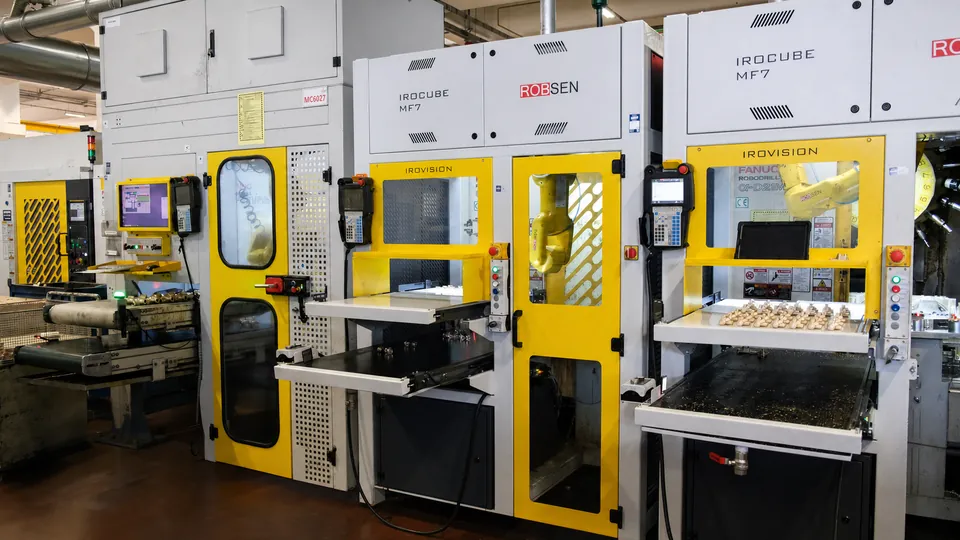
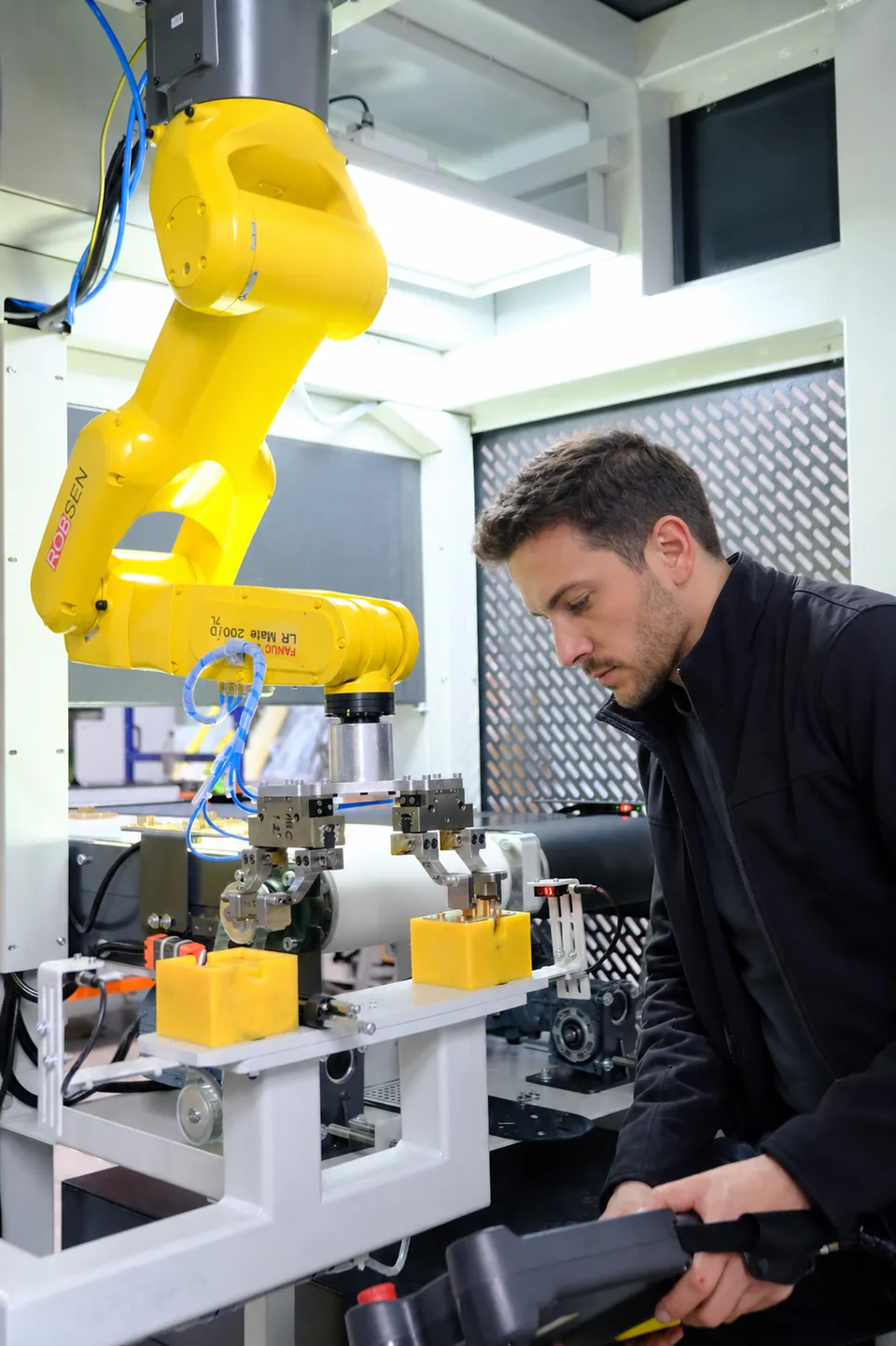
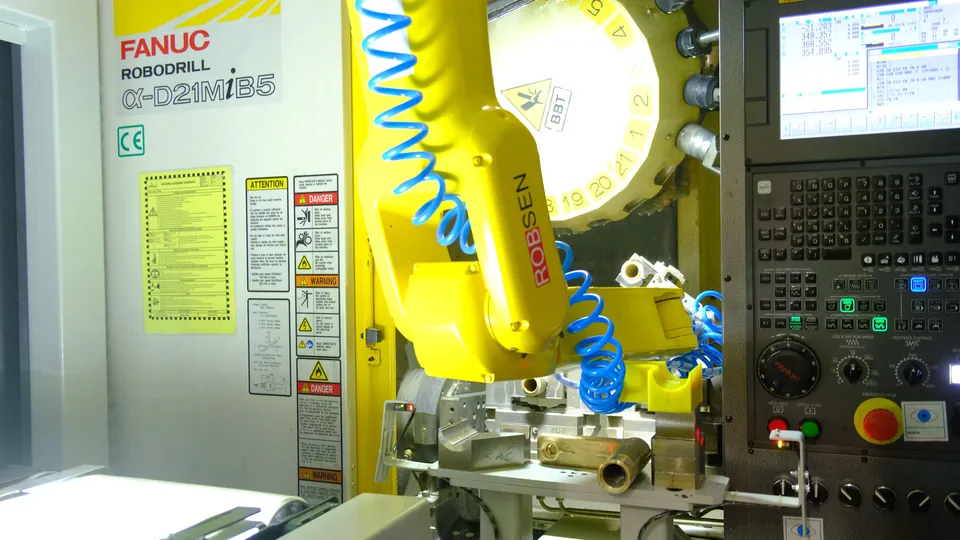
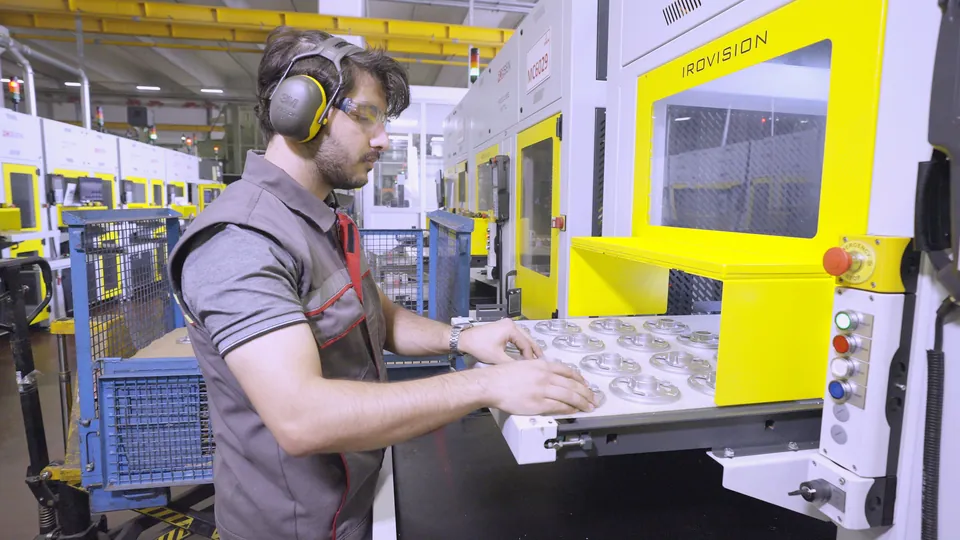
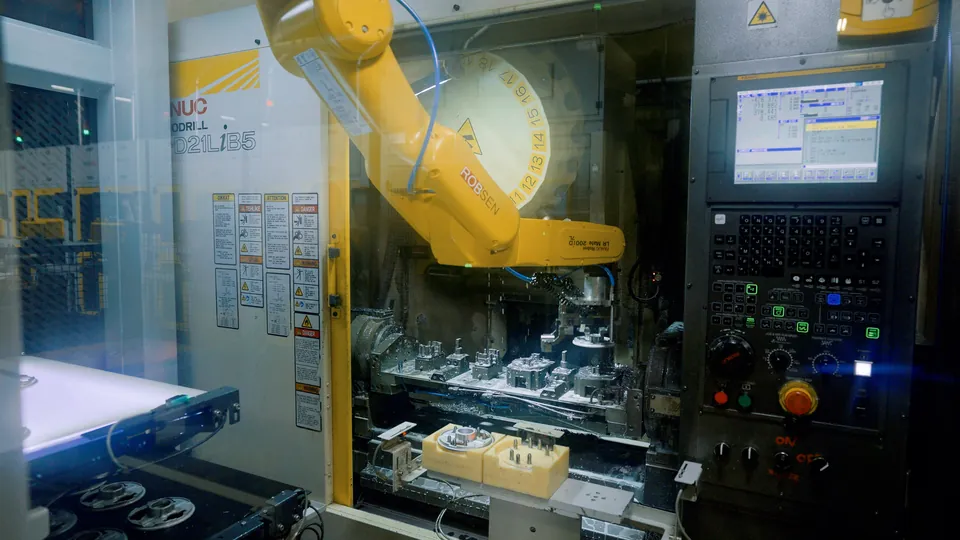
A single-module cell for FANUC Robodrill and similar vertical machining centers. The robot hangs from the roof of the cell, so when you set up the machine it moves out of the way and leaves the front of the machine open.
Cabinet only: 1,500 × 1,000 mm (W × D).
| Specification | Value |
|---|---|
| Robot | FANUC LR Mate 200iD/7L |
| Payload | 7 kg |
| Reach | 911 mm |
| Axes | 6 |
| Robot mounting | Ceiling-mounted (inverted) |
| Cell structure | Single module, ships as one piece |
| Machines served | 1 robot · 1 machine |
| Cell size (W × D × H) | 1,540 × 1,750 × 2,350 mm |
| Footprint (W × D) | 1,540 × 1,750 mm |
| Loading | 600 × 1,050 mm |
| Unloading | 600 × 1,450 mm |
| Vision | IROVISION slider camera |
Inside and out
Every part of the MF7, at work
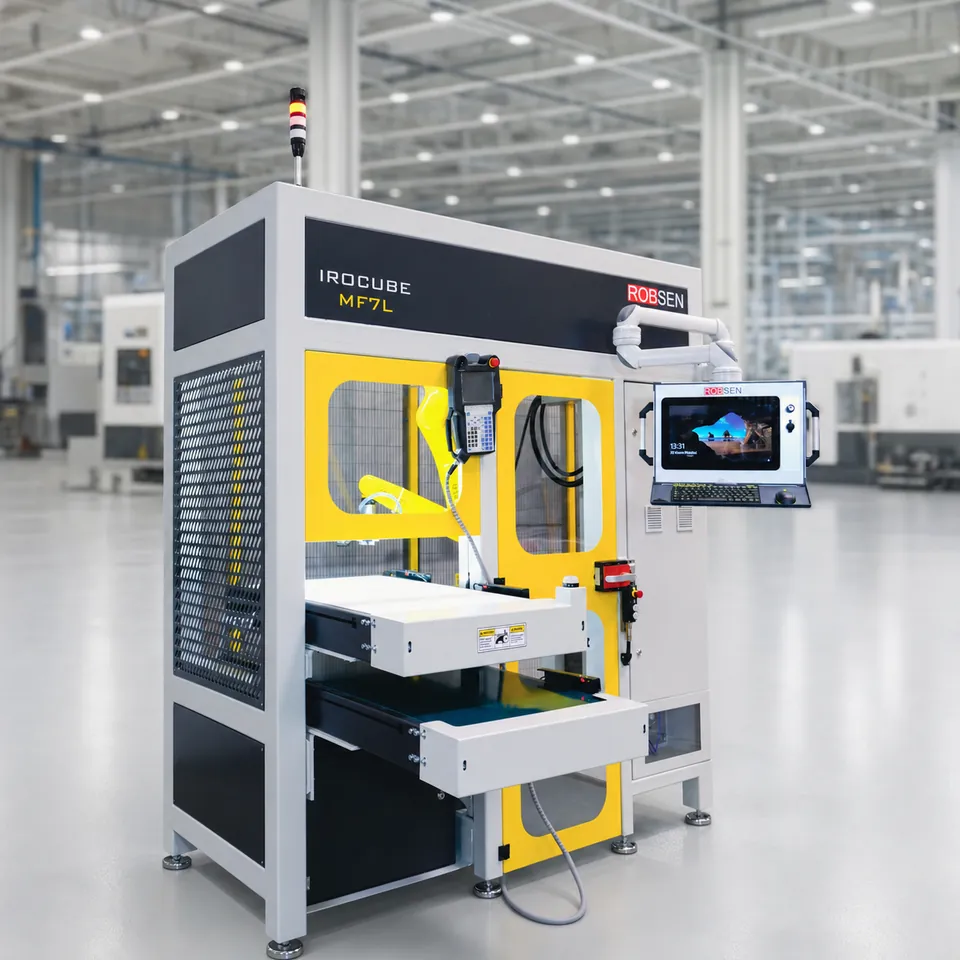
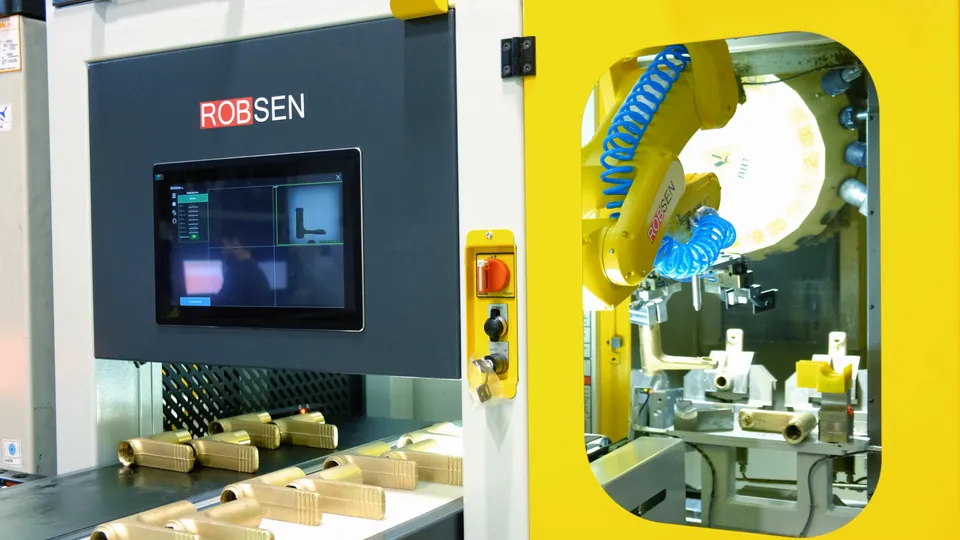
Turn the cell, open its covers and watch it run: the camera finds a part, the robot loads the Robodrill, the operator refills the belt.
In production
The M7 at work
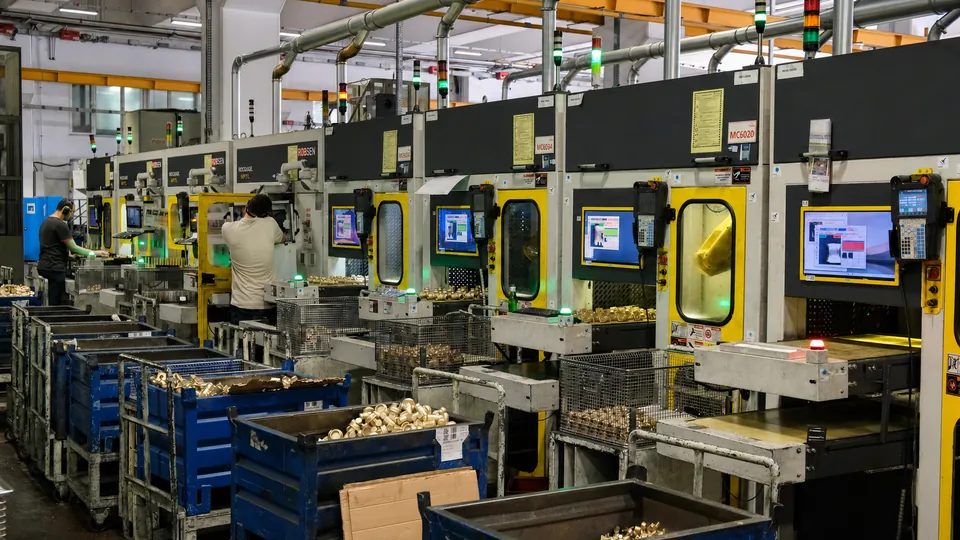
Photos from customer plants and our assembly hall. Select a photo to enlarge it.
One single platform
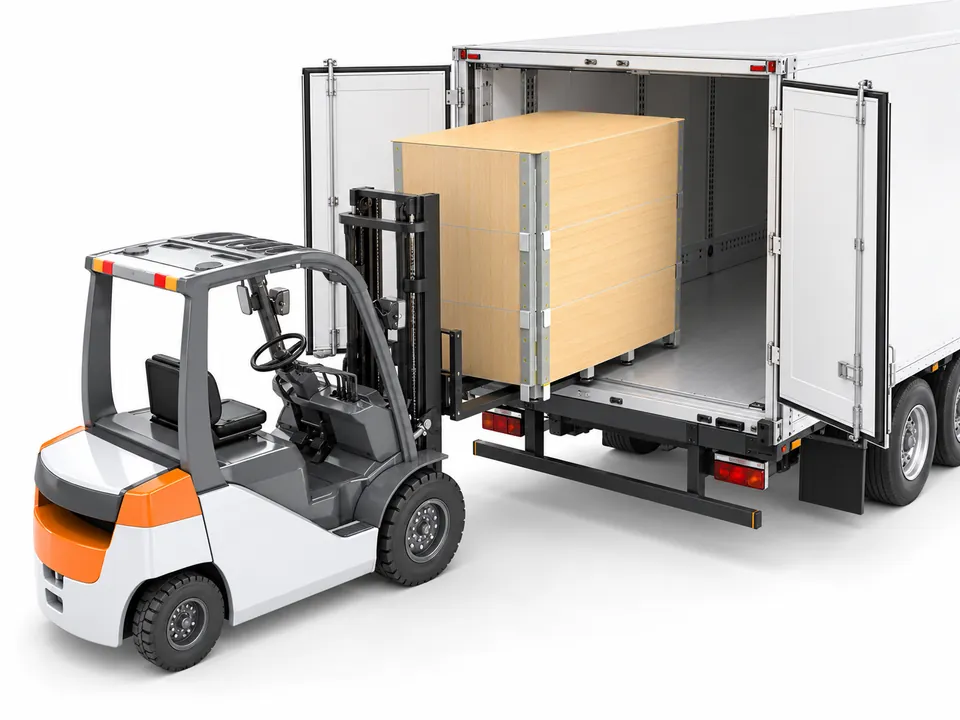
Built, crated and shipped as one piece
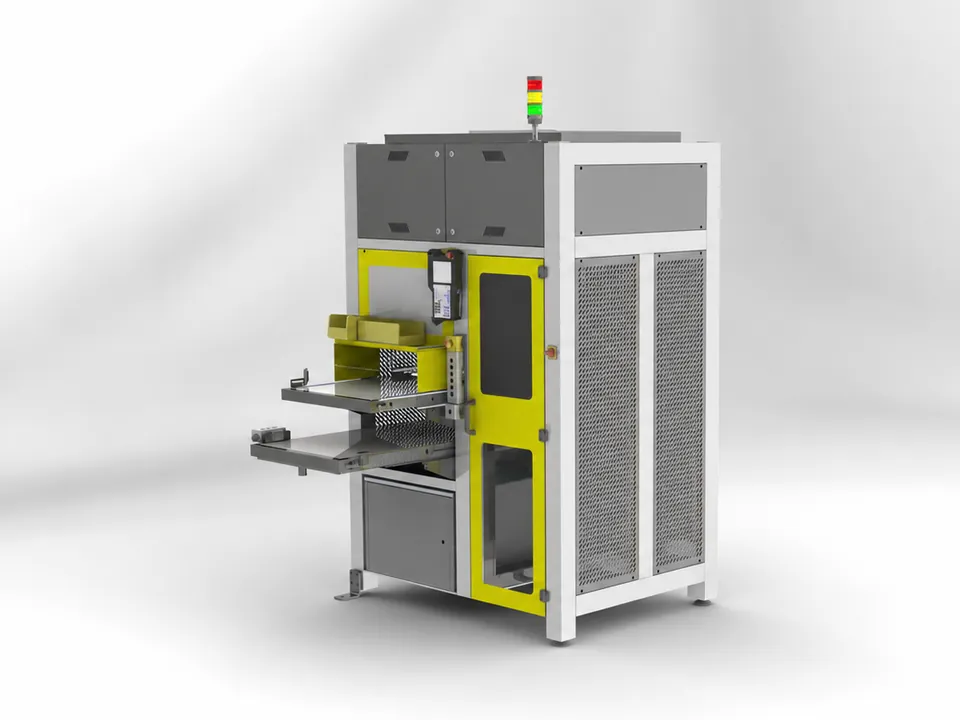
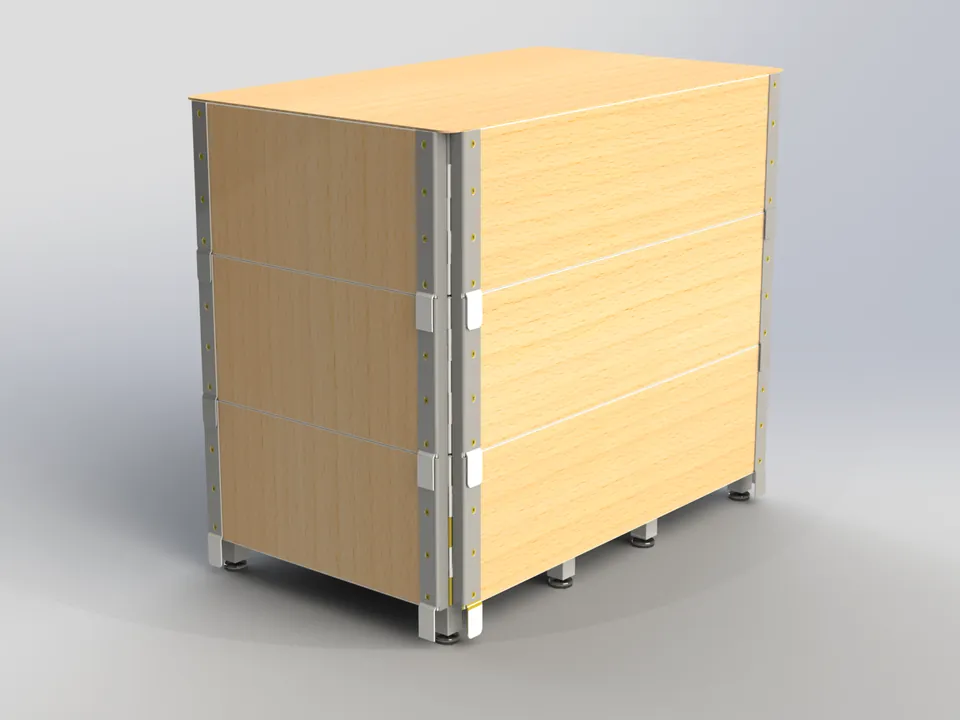
Every IROCUBE leaves our hall as a finished, tested cell. It arrives the same way, so production starts days after delivery, not weeks.
Included in every M Series cell
Standard equipment
Everything you need to run your first part. Robot fingers and the machine-front positioner are made for one part you choose.
Cell concept
- Platform designRobot, conveyors, camera, machine-front positioner and process modules sit on one welded steel base frame.
- Front-face layoutOptimized for FANUC Robodrill. Cells can be lined up side by side along a production line.
- Robot positioningM7: ceiling-mounted, moves aside for machine setup. M10L and M12L: floor-mounted inside the cell.
Part feeding
- Loading conveyorThe operator loads raw parts here. Fixed width, length adaptable to your needs.
- Dual-side illuminationLit from above and below through a light-transmitting belt, so the camera identifies parts accurately.
- Quick-change beltHinged belt structure. Replaced without dismantling the mechanism.
- Low-parts signalAn illuminated button flashes yellow when the conveyor runs low. One operator sees which cell needs attention first.
- Manual jog buttonsMove the conveyor forward and back by hand when needed.
Part unloading
- Unloading conveyorFinished parts are placed here after machining. Length adaptable.
- Accumulation alertFlashes yellow when finished parts build up.
IROVISION vision
- Slider cameraComes with every cell. A single camera moves on a rail above the loading conveyor and stops over each part. You teach a part once, with one camera, and it is located and matched precisely anywhere on the belt.
- IROVISION licenseOur machine vision software, built on HALCON libraries. Handles different geometries, materials and finishes.
- Fixture-free feedingParts go straight onto the belt. No fixtures to build or store.
- Fast changeoverSwitching parts means selecting a taught model on the screen.
Robot
- 6-axis industrial robotFANUC as standard. The wrist lets one robot serve conveyor, positioner and machine from one position.
- Communication and safetyIO-Link infrastructure and FANUC DCS (Dual Check Safety).
Gripper
- Schunk grippersParallel grippers, type and quantity engineered for your part.
- Fingers for one partFinger design and manufacturing for one part you nominate. More parts are options.
Mechanics
- Welded steel base frameThe main load-bearing structure.
- Machine-front positionerThe robot prepares the next part here before the door opens, shortening door-open time. Slides aside for maintenance.
Enclosure and safety
- Safety enclosureGuarded cell with operator door.
- Safety devicesLight curtains, safety relays, emergency stops and interlocks.
Automation
- Touchscreen PCOperator interface for IROVISION and cell control.
- Control panelBuilt with Schneider Electric, Phoenix Contact, Banner and SICK components.
- Intelligent power distributionElectronic fusing pinpoints faults quickly and shortens downtime.
Documentation
- Technical documentationManuals, plus electrical and pneumatic drawings.
- Risk analysisSafety functions and risk analysis, shared with you. CE marked.
Build your package
Configure the M7
Choose the robot and the options you are interested in. Nothing is binding: we use your selection to prepare a concept and a quote.
Plan your run
How long can it run unattended?
Enter your part size and cycle time to see how many parts fit on the conveyors and how many hours the cell runs between operator visits.
Beyond the standard models
Your parts don't fit a standard cell?
Heavier parts, a longer reach, two machines with one robot, or extra process steps: we build IROCUBE cells to order on the same platform. Larger robots, such as a 25 kg M25, are a project, not a problem.
- Heavier partsRobots with higher payloads, sized to your part and gripper.
- Longer reachLarger machines, larger chucks, longer conveyors.
- More machinesOne robot tending two machines, or dual-robot lines.
- More process stepsWashing, deburring, measuring, leak testing, marking.
Request a quote
Send us your part and machine
Add the M7 to your package and send it to us. Attach part drawings or photos to the email.
Go to your packageBefore the quote
Fill in task mapping
Our project questions help us understand your process and quote faster.
Open task mapping